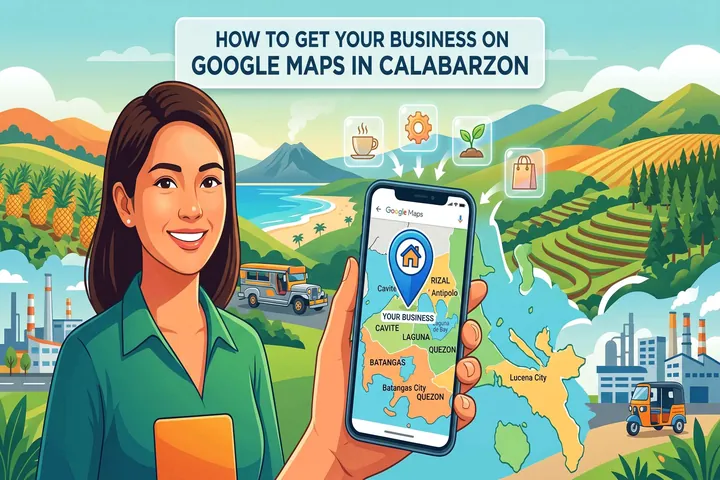
When someone in Batangas searches "resort near me" or someone in Laguna types "dentist open Saturday" — Google Maps is where their eyes go first.
The three businesses that appear at the top get the majority of clicks, calls, and visits. If your business is not one of those three, you are losing customers to whoever is. Here is exactly how to change that — and all of it is free.
Step 1 — Claim and verify your Google Business Profile
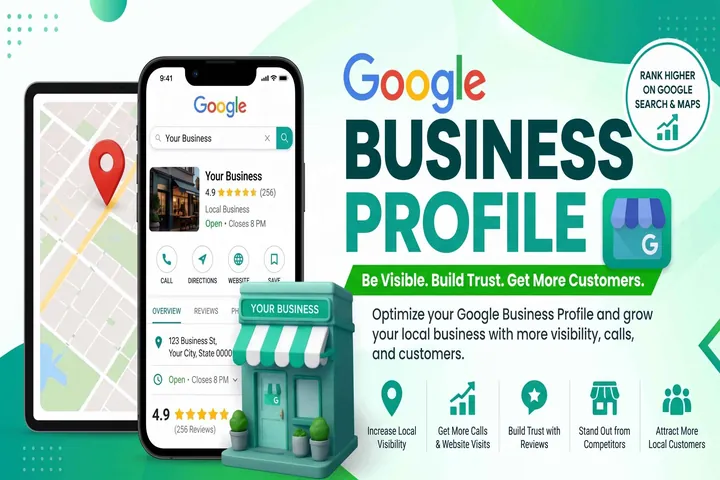
Go to business.google.com, search for your business, and either claim an existing listing or create a new one. Follow the verification steps — Google will confirm you are the real owner through a postcard, phone call, email, or video verification. This is completely free.
Step 2 — Fill in every section completely
- Business name — exact, no keyword stuffing
- Primary category — the most specific one available
- Address, correctly pinned on the map
- Phone number and website
- Business hours, including holidays
- Business description — 750 characters, include local keywords
- Services, each with a description
- Attributes like parking, accessibility, and payment methods
Step 3 — Upload high-quality photos regularly
Upload at least 10–15 photos when you first set up your profile — exterior, interior, facilities, products, team, happy customers. Add new photos at least once a month. Use real photos, not stock images.
Step 4 — Build up your Google reviews
Ask every satisfied customer personally. Send a follow-up message with a direct link to your review page. Respond to every review — positive and negative. Aim for at least 10 genuine reviews to start, then keep building steadily.
Step 5 — Keep your business information consistent everywhere
Your name, address, and phone number must be identical across your Google Business Profile, website, Facebook page, and any local directories. Inconsistency drops your ranking.
Step 6 — Post updates regularly
Post at least twice a month — a new promo, a photo, or a simple update. This signals to Google that your business is active and increases the chances customers engage with your listing.
Step 7 — Link your profile to a proper website
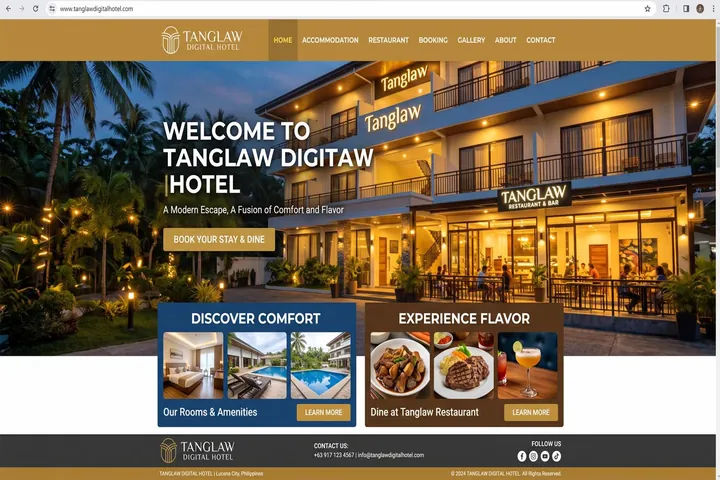
Businesses with a website linked to their profile consistently rank higher. Your Google Business Profile gets you found; your website converts the visitor into a customer.
Want us to handle this for you?
At Tanglaw Digital, we set up and optimize Google Business Profiles as part of our local SEO service — for businesses across Quezon, Batangas, Laguna, Cavite, and Rizal.